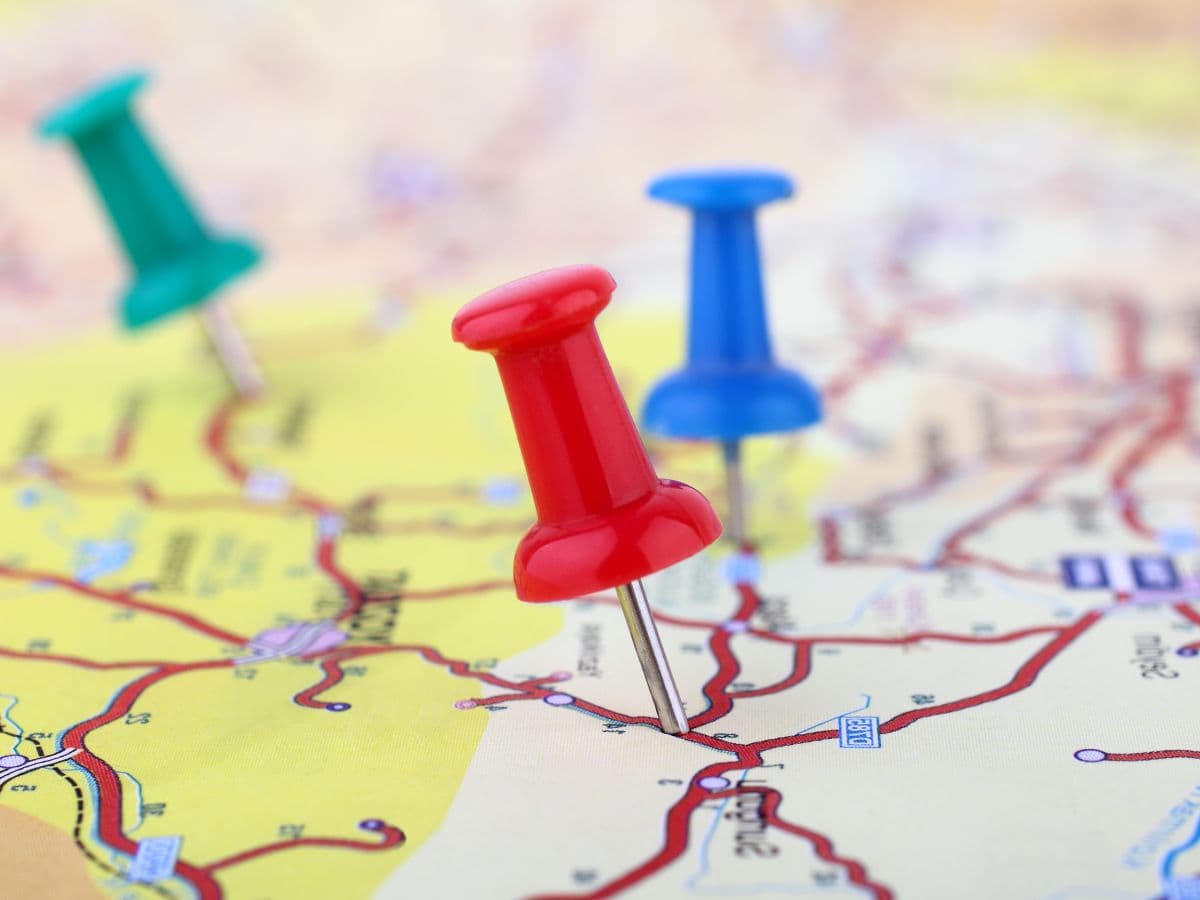
Image geolocation and its impact on SEO
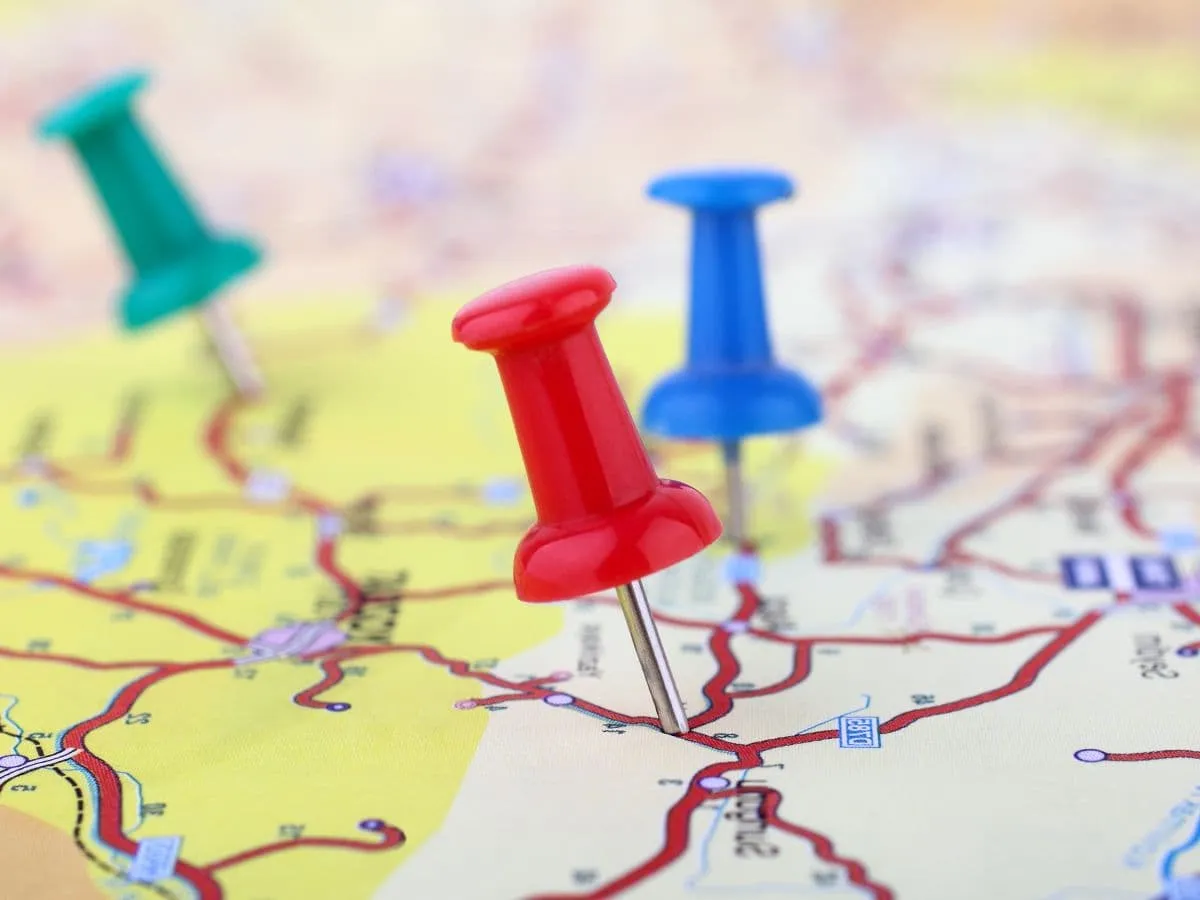
Results of our image geolocation strategy
In SEO, any detail can make a difference. Geolocation is one of them. If you include this technique in your positioning strategy, you can improve your visibility in search engines such as Google, which means more visits and, ultimately, a higher return on investment.
But what exactly is image geolocation? Basically, it consists of associating a geographic location with the images you publish on your website. By doing this, you give Google additional information that it can use to improve the search experience. However, there is an ongoing debate about whether this technique is effective. Does Google take into account whether an image is geolocated? In this article, I will share my personal experience and explain how you can geolocate images completely free of charge.
What is image geolocation?
Image geolocation is a technique that consists of associating metadata with images published on a website. This metadata includes information about the geographic location where the photo was taken, such as GPS coordinates. By associating this information with the image, you can identify the exact location of the photo on a map and use this information to improve web positioning and the user experience.
In case you did not know, when you use your smartphone to take photos, they store different information and metadata, including the image location.
Image geolocation is especially useful for local businesses or those that offer services in a specific region. By using this technique, your website is more likely to appear in the top search results when someone performs a search related to your geographic area.
The importance of image geolocation
Image geolocation: an essential technique for improving your website’s visibility
In the digital age, online presence has become vital for the success of any business. For a website to succeed, it is necessary to implement effective SEO strategies that help it rank in Google’s top search results. In this sense, image geolocation has become a very useful technique for improving your website’s visibility.
How do you geolocate an image?
If you need to geolocate an image to find its exact location, there are several options you can use. The easiest way is to use the geolocation information embedded in the image, known as EXIF data. To do this, you can use free online tools such as GeoImgr or Jeffrey’s Image Metadata Viewer to extract the location information.
You can also geolocate an image using mapping tools such as Google Maps or Bing Maps. Simply drag and drop the image onto the map, and the tool will provide the exact location of the image. These tools also allow you to see the location on the map and obtain additional information such as the address and coordinates.
On the other hand, if you have a large number of images that you need to geolocate, you can use specialized software such as Geosetter or HoudahGeo to make the geolocation process more efficient. These tools allow you to add geolocation information to several images at once, which can save you a lot of time and effort.

Image geolocated in Madrid (Spain)
Tools for implementing image geolocation on your website
Image geolocation is an important feature that can improve the user experience and provide valuable information about the location of your images.
GeoImgr

How do you use GeoImgr?
GeoImgr is an online tool that you can use for free, although with some limitations. It allows you to work with the location information embedded in your images’ EXIF data. With GeoImgr, you can view and edit the location information of your images easily and quickly, which allows you to add, delete, or modify location information in your images with ease.
To use GeoImgr, simply upload the image you want to geolocate or edit to the GeoImgr website. Once the image has been uploaded, you will be able to see the location information embedded in the image’s EXIF data, including latitude, longitude, and altitude. In addition, GeoImgr also allows you to see other EXIF information, such as the date and time the image was taken, the camera model, and exposure settings. The advantages of GeoImgr include its ease of use and its online availability, which means you do not need to download any software to your computer to use it. GeoImgr is also a free tool, making it even more attractive for those looking to save money.
However, one disadvantage of GeoImgr is that it only works online and has a daily usage limit of 5 images, so you will need to use an alternative if you want to geolocate a large number of images at once.
GeoSetter
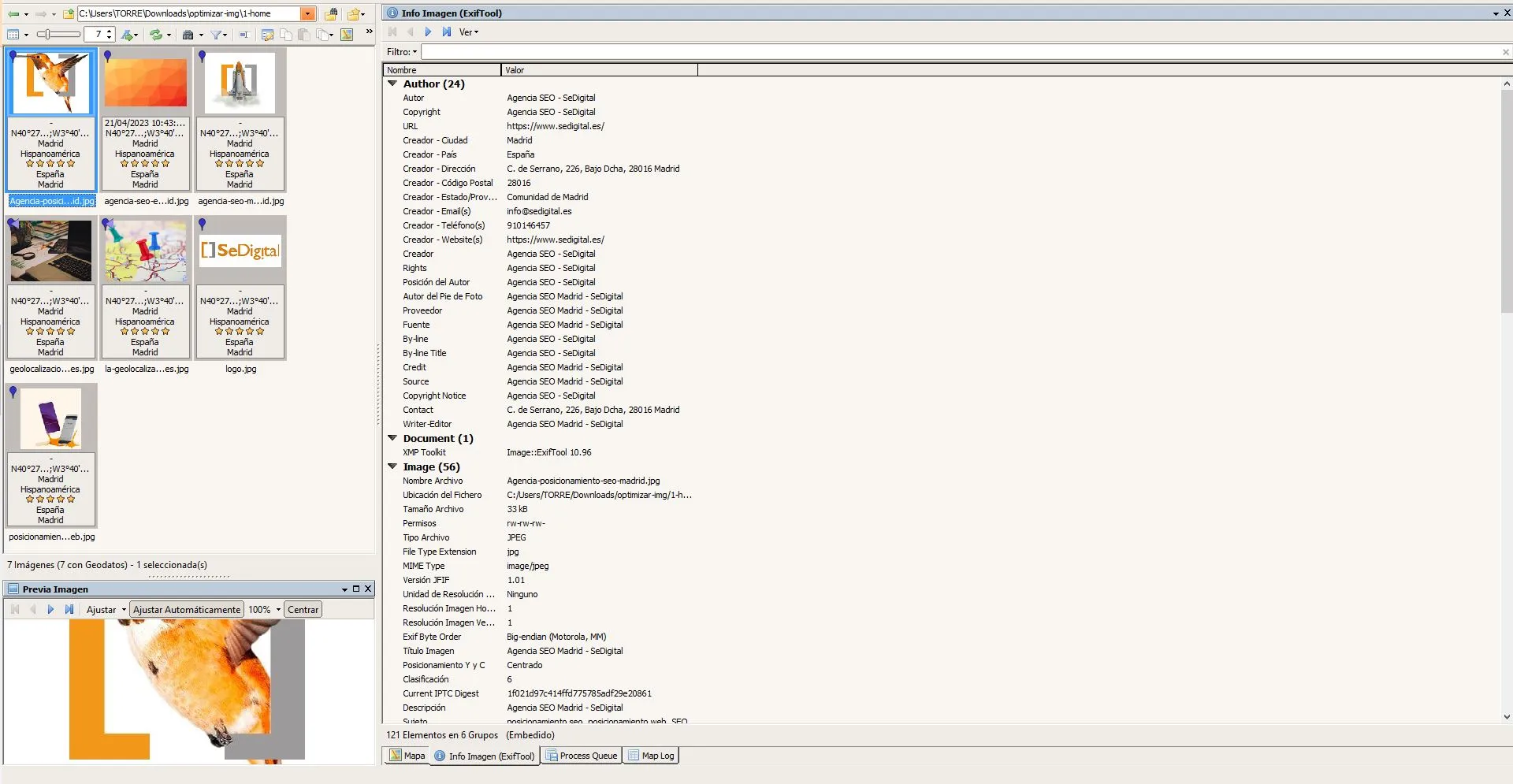
How do you use GeoSetter?
GeoSetter is a free** tool for Windows** that lets you work with geolocation information and other EXIF data in your images. With GeoSetter, you can add, delete, and edit location information in your images easily and quickly. To use GeoSetter, simply open the program and load the images you want to geolocate or edit. Once the images have been loaded, you can see the location information embedded in each image’s EXIF data in an easy-to-read table.
You can also see other EXIF information, such as the date and time the image was taken and the camera model used. To add location information to your images, you can use the map location tool. GeoSetter allows you to search for the exact location on the map and add the latitude and longitude data to the image.
The advantages of GeoSetter include its ability to work with large numbers of images at the same time and its functionality for editing several EXIF data fields, not only location information. The tool is also free and available to download directly from the GeoSetter website. However, one possible disadvantage of GeoSetter is that it only works on Windows operating systems. In addition, the program interface can be a little overwhelming for those who do not have
Related questions
➤ Can I geolocate an image on Google if I do not know the exact location?
Yes, it is possible to geolocate an image on Google even if the exact location is unknown. To do this, you can use various online tools that analyze the image for clues that indicate its location, such as the presence of recognizable buildings or monuments in the image, vegetation, or climate. It is also possible to use the information obtained by doing a reverse image search on Google to find websites and social networks where the image has been published and that may provide more information about its location.
➤ Is it legal to geolocate images?
Image geolocation itself is not illegal, as long as it is used ethically and legally. In general, image geolocation is considered a legitimate and useful process for identifying the geographic location of an image and can be used for different purposes, such as research, security, urban planning, advertising, and marketing.
➤ What kind of information can I add to an image?
Some examples of information that can be obtained by geolocating an image include the country, state, or city where the image was taken, the exact latitude and longitude of the location, the time and date the image was taken, and in some cases, information about the weather and natural surroundings. In addition, by geolocating an image, it is possible to obtain additional information about nearby places, such as museums, monuments, restaurants, or shops, which can be useful for travelers or tourists.
➤ What is the best program for geolocating an image?
There are several online tools that allow you to geolocate images, and one of the most popular among users is Geosetter. This tool is free software that can be downloaded and installed on a computer and offers a large number of features and functionalities for geolocating images quickly and easily. Geosetter is especially useful for those who need to geolocate large numbers of images, as it allows you to add location information to multiple images at the same time.
Latest Blog Articles

International SEO to Rank Your Website in Other Countries
April 23, 2026

SEO for Psychologists: How to Attract Patients with Google
April 16, 2026

Google Ads for Real Estate Agencies. Generate Qualified Leads and Increase Contacts
April 10, 2026
Types of Campaigns in Google Ads
March 27, 2026
Guide to Optimizing Images for the Web
March 19, 2026

March 13, 2026


